

“There are so many web hosting providers out there that I have no idea which one to choose”—this is a hurdle that almost everyone who’s just starting out with WordPress faces.
If you search online, you’ll find comparison articles listing over 10 providers side by side, but for beginners, this overload of information actually makes it harder to decide.
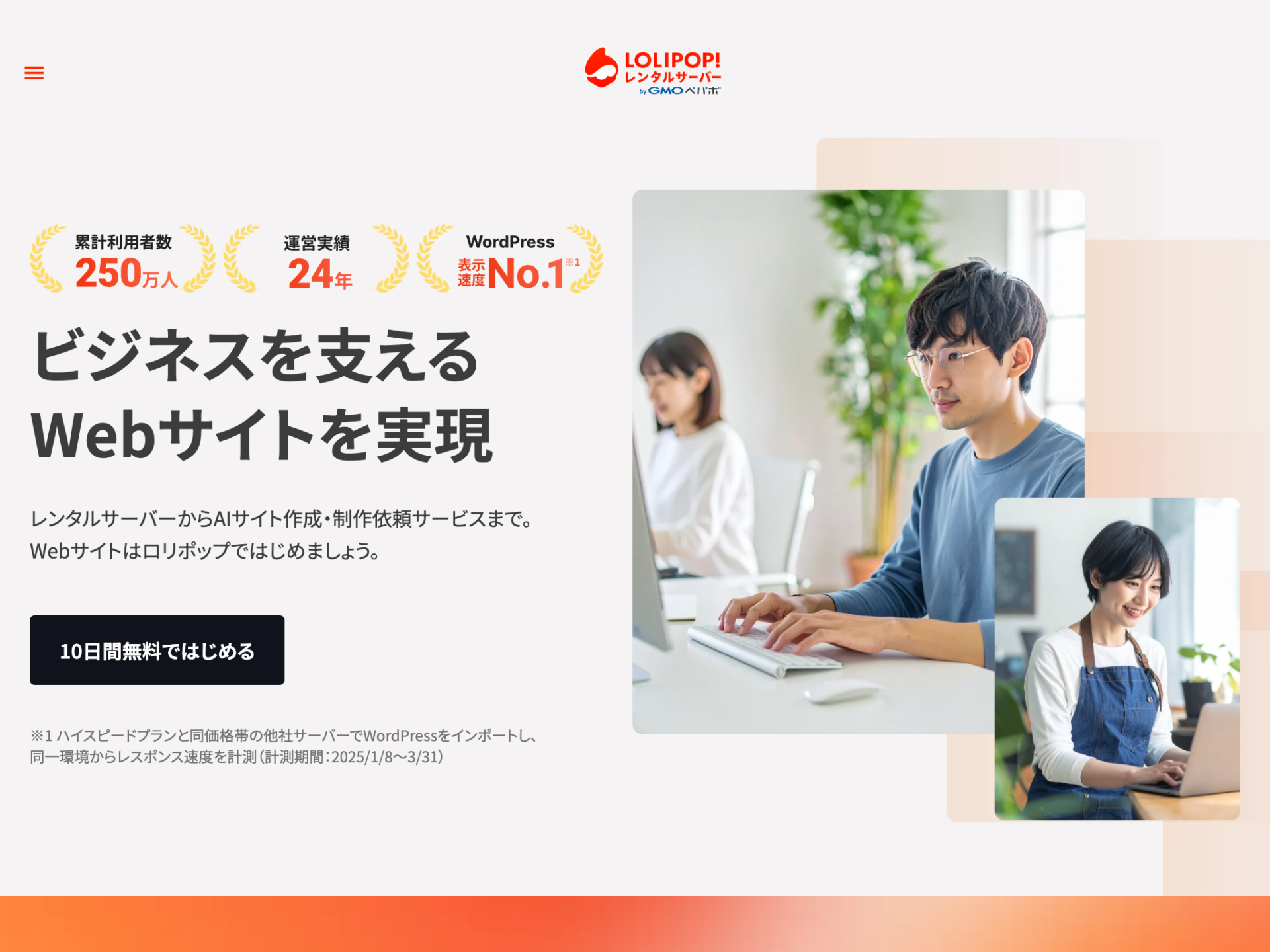
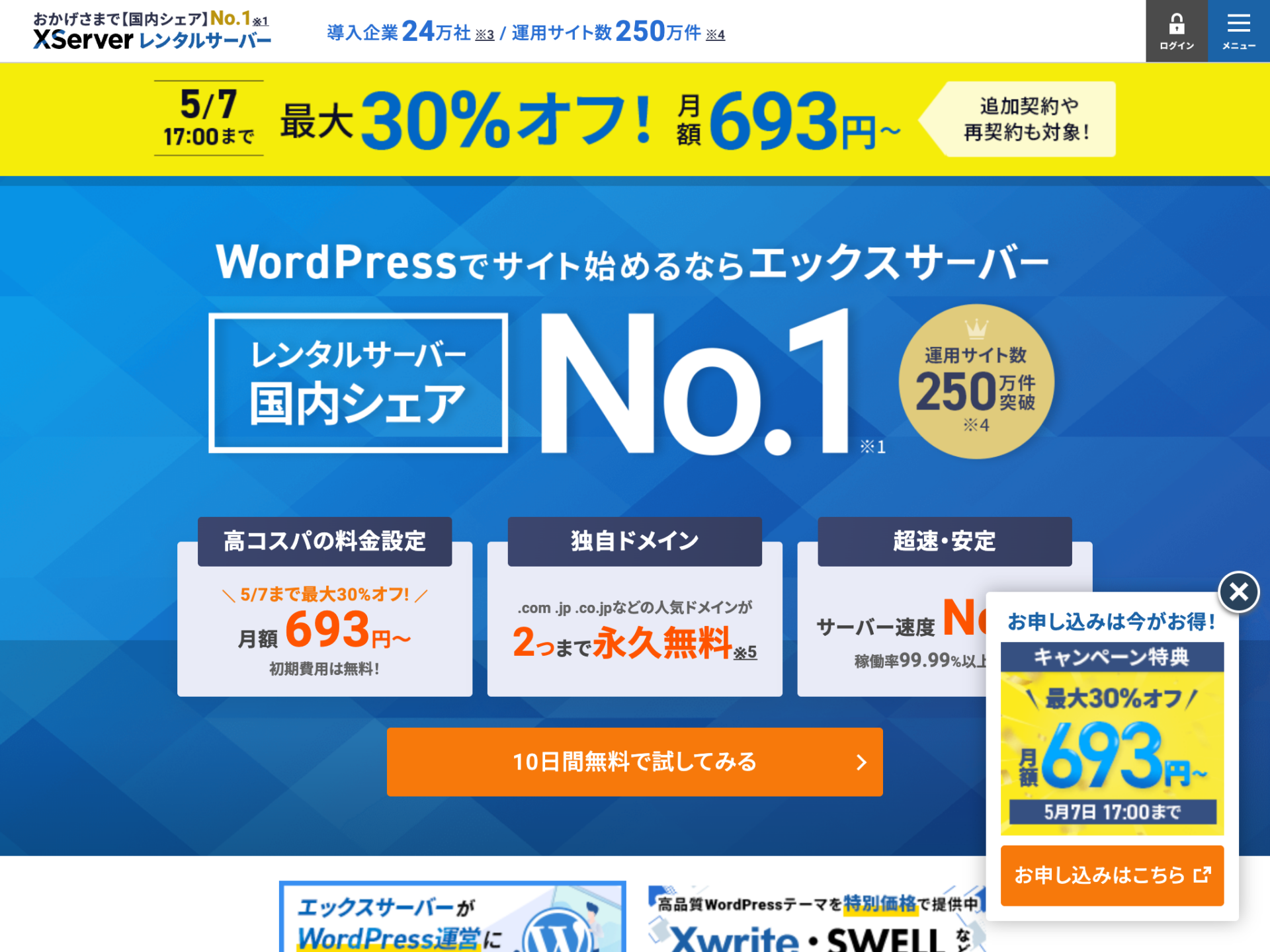
To cut to the chase, if you’re starting a personal WordPress site, I recommend either “Lolipop High Speed” or “Xserver Standard.” These two providers offer all the features you need to run WordPress, and they significantly outpace the competition in terms of market share and track record.
I have over 20 years of experience as an IT engineer and more than 10 years as a web engineer. I’ve built nearly 100 WordPress sites and have extensive experience setting up and managing shared hosting and VPS servers, as well as supporting client projects. The recommendations in this article are based on both my practical experience and the actual benchmark data collected for this article.
In this article, I will compare the two providers based on benchmark data collected over a 7-day period under identical conditions after actually signing up for both services. I’ll evaluate them across categories such as pricing, speed, control panels, free domains, backups, information resources, and trial periods. By the time you finish reading, you should have a clear idea of which one is right for you.
- Why These Two Shared Hosting Providers Are More Than Enough for Beginners
- Comparing Lolipop and Xserver: A 7-Point Comparison Chart
- Comparison of Pricing Plans
- Comparison of Page Load Speeds Based on Actual Measurements
- Ease of Use of the Admin Panel
- Backups and Restores
- Information Availability and Ease of Troubleshooting
- Summary of Who Each Service Is Best Suited For
- 4 Steps to Getting Started with WordPress
- VPS is an option for intermediate users and beyond
- Frequently Asked Questions
- Summary
Why These Two Shared Hosting Providers Are More Than Enough for Beginners
There are four types of web hosting: shared hosting, VPS, dedicated servers, and cloud servers. Of these, the only option WordPress beginners should choose is “shared hosting.”
With VPS or dedicated servers, you must manage the server yourself, which incurs operational costs such as security updates and server monitoring. With shared hosting, you can leave all of that to the hosting company, allowing you to focus solely on writing your articles.
Among shared hosting providers, Lolipop and Xserver are major domestic players with a long track record of operation. By choosing either of these two companies, you can meet all of the following criteria:
- Support for easy WordPress installation
- Free custom SSL (HTTPS) included as standard
- Free custom domain included
- Automatic backup feature
- Support via phone, email, and chat
- Fast disk access thanks to SSDs
You might be worried, thinking, “What if I need more specs later?” Until your personal blog exceeds several hundred thousand monthly page views, you’ll almost never encounter performance issues on a shared server. If you ever do run out of specs, you can simply consider migrating to a VPS at that time.
Comparing Lolipop and Xserver: A 7-Point Comparison Chart
Let’s start by getting the big picture. The comparison table below shows the differences between the two companies at a glance.
| Comparison Categories | Lolipop High Speed | Xserver Standard |
|---|---|---|
| Monthly Fee (36-month contract, standard) | 660 yen | 990 yen |
| Setup Fee | Free | Free |
| Storage Capacity (SSD) | 700 GB | 500GB |
| Easy WordPress Installation | ○ | ○ |
| Free Dedicated SSL | ○ | ○ |
| Free Custom Domain Bonus | ✓ (Up to 2 domains, 12 months or more) | ✓ (1 for 12 months, 2 for 24 months or more) |
| Backup | ✓ (Data available upon request; restoration must be performed by the user) | ○ (Backups can be obtained and restored via the admin panel) |
| Phone Support | ○ | ○ |
| Free trial period | 10 days | 10 days |
| Multi-domain | Unlimited | Unlimited |
| MySQL | Unlimited | Unlimited |
| Estimated Data Transfer | Unlimited | Unlimited |
| Web Server | LiteSpeed | nginx |
*Last updated: April 12, 2026
The main differences lie in pricing and the ease of recovery operations. Lolipop offers an affordable standard monthly rate of 660 yen (with a 36-month contract), and even without a backup plan, you may be able to request backup data upon application. However, you must perform the restoration process yourself. Xserver costs 990 yen per month (with a 36-month contract), but its strength lies in the ability to retrieve and restore backup data directly from the control panel.
Let’s take a closer look at each point.
Comparison of Pricing Plans
Web hosting prices vary significantly depending on the contract term. Both companies follow the same pricing structure where the monthly rate decreases with longer contract terms.
| Contract Term | Lolipop High Speed | Xserver Standard |
|---|---|---|
| 1 month | 1,430 yen | — |
| 3 months | 1,320 yen | 1,320 yen |
| 6 months | 1,210 yen | 1,210 yen |
| 12 months | 1,045 yen | 1,100 yen |
| 24 months | 990 yen | 1,045 yen |
| 36 months | 660 yen | 990 yen |
When comparing standard rates for a 36-month contract, Lolipop costs about 67% of what Xserver charges. The total cost difference over three years is 11,880 yen.
However, since Xserver occasionally offers promotional rates (e.g., 693 yen for 36 months), be sure to check the latest pricing page for the actual price at the time of sign-up.
Both companies offer free custom domain names as a perk. With Lolipop, you get up to two free domains on the High Speed or Enterprise plans for contracts of 12 months or longer. With Xserver, you get one free domain on the Standard plan for a 12-month contract, or two free domains for contracts of 24 months or longer. Since custom domains typically cost between 1,000 and 3,000 yen per year, this alone represents a significant savings.


Comparison of Page Load Speeds Based on Actual Measurements
“Perceived speed” is extremely important when choosing a web hosting provider. Page load speed affects Google search rankings and directly impacts reader bounce rates.
The author set up the same WordPress site (theme: Twenty Twenty-Four, 38 images, test data: wordpress-theme-test-data-ja.xml) on both companies’ servers, disabled caching, and performed automatic measurements over 7 days at 3-hour intervals (56 slots). Furthermore, within each slot, TTFB and REST API were executed 5 times, and CPU and DB were executed 3 times, ensuring the results were not based on a single measurement.
* Benchmark period: March 17, 2026 – March 24, 2026 (3-hour intervals) / Main sample counts: TTFB and REST API (280 samples over 7 days), CPU and DB (168 samples over 7 days)
PageSpeed Insights Score
| Metric | Lolipop High Speed | Xserver Standard |
|---|---|---|
| Mobile Score (56 samples over 7 days) | 96.6 | 96.7 |
| Desktop Score (56 samples over 7 days) | 99.9 | 99.2 |
| Mobile LCP (56 samples over 7 days) | 2.605 seconds | 2.587 seconds |
| Desktop LCP (56 samples over 7 days) | 0.757 seconds | 0.732 seconds |
Both companies achieved nearly perfect scores on PageSpeed Insights, and there is virtually no perceptible difference in performance.
Server response time (curl TTFB)
| Metric | Lolipop High Speed | Xserver Standard |
|---|---|---|
| External TTFB (280 samples over 7 days) | 0.162 seconds | 0.185 seconds |
| Internal TTFB (280 samples over 7 days) | 0.094 seconds | 0.510 seconds |
Commands Used (TTFB Measurement)
curl -s -o /dev/null -w "%{time_connect}t%{time_starttransfer}t%{time_total}" URLThe results showed that Lolipop was slightly faster in TTFB when accessed externally (via the internet), and Lolipop also had the advantage in internal TTFB. Since shared servers are affected by the load from other users and the time of day, it is safer to judge based on the median rather than individual values.
Neither figure represents a difference significant enough for beginners to notice, so it’s safe to say that page load speed is not an issue regardless of which option you choose.
WordPress Operation Responsiveness
| Metric | Lolipop High Speed | Xserver Standard |
|---|---|---|
| CPU: PHP loop (168 samples over 7 days) | 0.050 seconds | 0.273 seconds |
| CPU: WordPress eval (168 samples over 7 days) | 0.312 seconds | 1.687 seconds |
| DB: wp db query (168 samples over 7 days) | 0.156 seconds | 0.302 seconds |
| DB: WP post list (168 samples over 7 days) | 0.304 seconds | 1.007 seconds |
| REST API response (280 samples over 7 days) | 0.003 seconds | 0.025 seconds |
| WP Cron Execution (56 samples over 7 days) | 3.4 seconds | 5.7 seconds |
| Media regeneration (38 images, 56 samples over 7 days) | 5.9 seconds | 8.7 seconds |
Commands Used (CPU/DB/WordPress Operations)
php -r "for($i=0;$i<1000000;$i  ){$x=sqrt($i);}"
wp eval "for($i=0;$i<1000000;$i  ){$x=sqrt($i);}"
wp db query "SELECT COUNT(*) FROM wp_posts WHERE post_status='publish';"
wp post list --posts_per_page=50 --format=count
wp cron event run --all
wp media regenerate --yes
curl -s -o /dev/null -w "%{time_total}" REST_URL
In terms of metrics related to WordPress admin panel performance, Lolipop generally shows faster results. This reflects the high PHP processing efficiency provided by the LiteSpeed engine.
That said, the difference isn’t significant enough for beginners to notice it during everyday blog management. For basic tasks like writing posts and uploading images, both platforms offer a smooth user experience.
Ease of Use of the Admin Panel
For beginners, the ease of use of the admin panel is just as important as price and speed. When performing unfamiliar tasks, such as DNS settings or applying SSL certificates, whether the admin panel’s UI is intuitive makes a huge difference in how much time you spend fumbling around.
Xserver's Control Panel
Xserver’s control panel consists of two screens: the “Server Panel” and “Xserver Account.” The Server Panel handles domain settings, SSL settings, the WordPress one-click installer, database management, and more.
Its key features include functions organized by category and a flat, easy-to-understand menu structure. Even "Domain Settings" and "SSL Settings"—areas where beginners often get stuck—are separated into dedicated menus, so you can find them without getting lost.
Lolipop's Control Panel
Lolipop’s control panel features a simple layout where all functions are consolidated onto a single screen. You access each function via the sidebar on the left.
While the design feels a bit dated, accessing the necessary features is sufficiently intuitive. The WordPress one-click install and custom SSL setup can also be completed with a single click.
While the ease of use of the control panel is a matter of personal preference, objectively speaking, Xserver’s UI is better organized and feels more intuitive for beginners. That said, Lolipop is still easy enough to use that you won’t have trouble with basic operations.
Backups and Restores
Server and WordPress issues are more common among beginners. Accidents like a blank screen after a plugin update or accidentally editing the wrong theme can be undone in an instant if you have a backup.
| Item | Lolipop High Speed | Xserver Standard |
|---|---|---|
| Automatic Backup | ✓ (Standard on High Speed/Enterprise plans) | ✓ (Standard on all plans) |
| Data Retention | Available backup data (7 generations is a paid option) | Web, email, and MySQL data for the past 14 days |
| Restoration Procedures | Data can be provided upon request (free provision available); restoration must be performed by the user | Data can be retrieved and restored via the server panel (free) |
This is where the approach to the recovery process differs. With Lolipop, even if you haven’t subscribed to a backup plan, you may be able to receive backup data upon request (free options available). However, you must perform the WordPress restoration yourself. With Xserver, you can complete both the retrieval and restoration of backup data entirely within the server panel, making the recovery process much easier.
Beginners often assume, “There’s no way I’d ever break my site,” but WordPress can unexpectedly stop working due to plugin conflicts or PHP version discrepancies. If you want the restoration process to be as simple as possible, Xserver is the practical choice; if you prioritize cost and are comfortable restoring the site yourself, Lolipop is the way to go.
Reference
Links: I’m not using the backup option, but I have data I want to restore | Help Center | Lolipop! Rental Server
Information Availability and Ease of Troubleshooting
When you run into trouble with a web hosting service, whether you can find a solution by searching online directly impacts your peace of mind.
In this regard, Xserver has the advantage. It has a large user base, and in addition to official manuals, there are plenty of explanations on personal blogs and YouTube. Searching for "Xserver [topic] how-to" tends to yield solutions easily.
Lolipop is also a long-established major service, so there is no shortage of information, but compared to Xserver, there is a slight difference in the number of articles. In particular, information regarding integration with WordPress is more comprehensive on the Xserver side.
As for official support, both offer phone, email, and chat support, so there is no significant difference.
Summary of Who Each Service Is Best Suited For
Who Should Choose Lolipop High Speed
- Those who want to keep monthly costs as low as possible
- Want to easily start a WordPress blog
- Don’t have strong preferences regarding the server control panel
- Can restore data on their own using the provided backup
Who Should Choose Xserver Standard
- Want to find solutions on your own when problems arise
- Want to handle backups and restores entirely within the control panel
- Prioritize an intuitive control panel
- Plan to grow your site over the long term
Based on my experience using both in a professional setting, my personal recommendation is Xserver if you’re torn between the two. While there’s a monthly difference of 330 yen on a 36-month contract, it’s definitely worth considering if you prioritize ease of recovery and the abundance of available information. On the other hand, if budget is your top priority, you’re unlikely to regret choosing Lolipop High Speed.
4 Steps to Getting Started with WordPress
Regardless of which server you choose, the steps to get started with WordPress are the same.
- Sign up for a server — Both companies offer a 10-day free trial, so start by trying them out
- Register a custom domain — If you take advantage of the free domain offer when signing up for the server, it costs nothing
- Install WordPress with ease — It’s done with a single click from the admin panel
- Set up a theme and plugins — Free themes (such as Cocoon or Lightning) are more than enough to get started
You can have your own WordPress site up and running in as little as 30 minutes.
VPS is an option for intermediate users and beyond
All comparisons so far have been for shared hosting. Some of you may be wondering, “Isn’t VPS faster?”
While it’s true that VPS offers greater flexibility and more stable performance than shared hosting, it comes with the following drawbacks:
- You must handle server security updates yourself
- Knowledge of Linux commands is essential
- You must identify the cause and resolve issues yourself when problems arise
- You need to set up a separate email delivery system
It’s sufficient to consider a VPS once you’ve gained some experience with WordPress and reach the stage where you want to “further optimize page load speeds” or “customize your server configuration.”
If you’d like to learn more about the differences between VPS and shared hosting, please see “What Is VPS? A Complete Guide to the Differences Between VPS and Shared Hosting.” For detailed server comparisons by use case, see “WordPress Server Comparison: Recommended Shared and VPS Options by Use Case.”
Frequently Asked Questions
- What is the typical price range for shared hosting?
For personal shared hosting, the typical monthly range is 500 to 1,500 yen. Lolipop High Speed costs 660 yen per month (standard rate for a 36-month contract), and Xserver Standard costs 990 yen per month (for a 36-month contract); both offer sufficient specifications for running WordPress.
- Can I use WordPress on a free web hosting service?
While some free servers can run WordPress, they come with drawbacks such as mandatory ads, inability to use a custom domain, lack of support, and the risk of sudden service termination. If you plan to run a blog seriously, choosing a paid server will ultimately offer better value for money.
- Should I purchase my custom domain and web hosting from the same company?
We recommend getting them from the same company. This automatically handles the nameserver settings, saving you the hassle of configuring DNS—a step where beginners often get stuck. Both Lolipop and Xserver offer domain registration services, allowing you to register a domain for free when you sign up for a server plan.
- Can I switch hosting providers after signing up?
Yes, you can. By exporting your WordPress data (files and database) and importing it to the new server, you can transfer your posts and media files as-is. However, since the migration process requires some effort, we recommend using the trial period to check the usability of the control panel so you won’t regret your initial choice.
- What is the minimum monthly plan cost required to use WordPress?
A plan costing 500 yen or more per month will provide all the features necessary for running a personal blog (easy WordPress installation, free SSL, automatic backups). It’s best to avoid ultra-low-cost plans costing 300 yen or less per month, as they may not support MySQL databases or may cause WordPress to run slowly.
Summary
For beginners choosing a web hosting service, you can’t go wrong with either Lolipop High Speed or Xserver Standard.
| Key Considerations | Recommended Servers |
|---|---|
| Want to start as cheaply as possible | Lolipop High Speed (from 660 yen/month) |
| If you prioritize peace of mind and comprehensive information | Xserver Standard (from 990 yen/month) |
Both providers offer fast loading speeds, and for a personal blog, there’s hardly any noticeable difference in performance. The main differences lie in whether backup restoration is free or paid, and the amount of online support information available.
Both offer a 10-day trial period, so start by trying out the admin panels and choose the one that suits you best.
It takes less than 30 minutes to go from signing up for a server to setting up WordPress. Now that you’ve finished reading this article, it’s the perfect time to get started.

Comment